How to Choose an Apex Legends Cheat: What to Check Before Buying
A practical Apex Legends software checklist covering source trust, Aimbot, ESP, HWID, subscriptions and compatibility.
Contents
Why public Apex cheats are a trap
Apex Legends is a fast, team-based battle royale in which a positioning error can cost the match and unnatural reactions are visible to opponents. The game uses Easy Anti-Cheat, so a random free executable from a forum creates several risks at once: it may be outdated, distributed too widely or bundled with malicious code. You may lose the account, cosmetic items and potentially other data on the computer.
Public availability does not prove that a file has already been detected, while private distribution does not make a product safe automatically. Assess a source using practical signs:
- a current product card with features and system requirements;
- a named maintenance process and a visible service status;
- support that is available before purchase;
- a version that matches your exact Windows build;
- no unexplained demand to disable basic security measures.
Compare options in the Apex Legends catalog, but inspect every product separately. “Private” describes a distribution model rather than a certification. Signatures and behavioural checks change, so any third-party software may lead to an account restriction.
Claims of absolute invisibility, instant safety or complete freedom from sanctions are technically inaccurate. A current working status is not a guarantee about the future.
Aimbot: speed versus discretion
Apex has different projectile speeds, bullet drop, ranges and Legend models. Crude aiming directly at the head ignores that dynamic and looks unnatural. If a product includes Aimbot, precise limits matter more than maximum speed:
- Smooth — how gradually aim moves toward a target;
- FOV — the active area around the centre of the screen;
- Target bone — the preferred model zone;
- Visible check — activation only on a visible target;
- Max distance — the farthest activation range.
A higher Smooth value makes movement more gradual, while a small FOV prevents the crosshair from jumping to a target near the edge of the screen. Chest priority tends to look less abrupt than constant movement to one head point, but there is no universally safe setting. Visible check matters because it prevents activation on a target behind a wall or another obstruction.
Sharp target switching, constant accuracy and firing without a visible reaction are noticeable to other players. Even if the product is technically operational, behaviour may result in reports and review. Do not copy another player's configuration blindly: sensitivity, resolution and play style differ.
ESP: information without overload
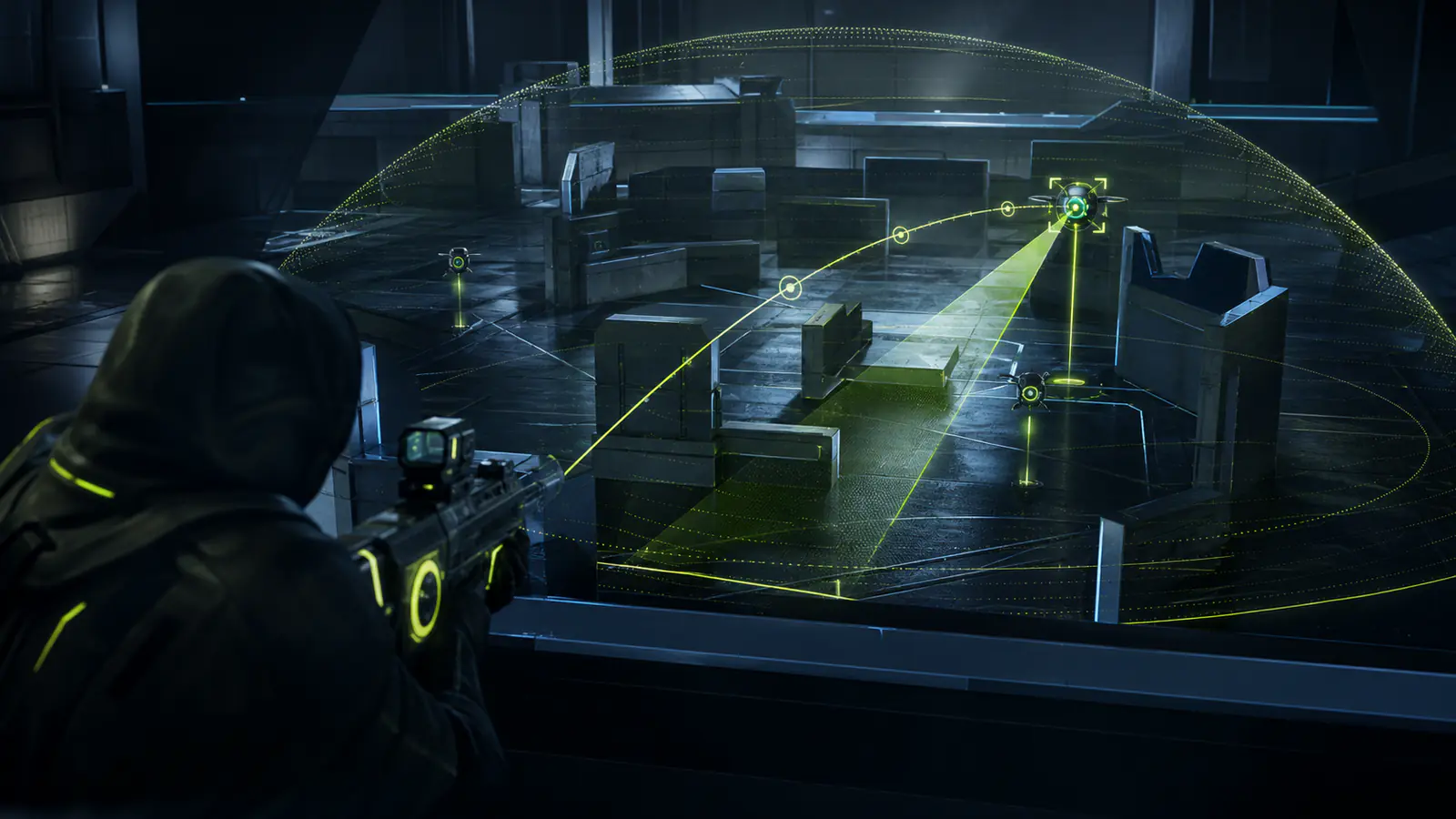
A match contains many squads, items and interface elements, so unfiltered ESP can quickly turn the screen into a wall of lines and labels. Choose a product with separate switches and begin with a minimal set:
- opponents and distance;
- health or shield when supported;
- equipped weapon;
- visibility state;
- a limited render distance.
Disable teammates already shown by the normal interface and limit rendering to the area of a likely engagement. Where supported, colours can distinguish visibility or shield level. Weapon information helps assess an engagement, while a loot filter can make a required shield, ammunition type or weapon easier to find.
Do not enable every category at once: visual noise slows decision-making and may affect frame rate. Review the live product card because options within the same game category can differ substantially.
Spoofers and protection from HWID bans
Easy Anti-Cheat and related systems may consider hardware identifiers, so a restriction can sometimes affect more than one account. A spoofer changes some system information, but it does not make a computer “invisible”, automatically reverse earlier sanctions or remove the need for Windows, BIOS and storage compatibility.
If you need a spoofer, confirm that it is explicitly listed for the selected product rather than a neighbouring package or an old review. Check UEFI, Secure Boot, virtualisation and storage support separately. The catalog also has an HWID Spoofer section, but combining a separate tool with an integrated one without developer instructions can prevent a successful launch.
A missing spoofer label is a reason to ask support, not proof that a product is poor. Whether one is required at all depends on your situation and the requirements of that particular release.
Which subscription period should you choose?
For Apex, it is sensible to begin with the shortest available period. The game changes regularly, and operation after one patch does not predict operation after the next. A test lets you verify launch, performance and whether the feature set matches its description. Longer access makes sense only after a successful check.
| Situation | Approach |
|---|---|
| First launch on this PC | Minimum access and a requirements check |
| Recent game patch | Check the product status first |
| Regular play | Compare weekly and monthly options |
| Ambiguous requirements | Ask before payment |
Confirm whether verified downtime extends the subscription and whether a support request is required. Do not treat a general marketing statement as an unconditional compensation guarantee.
Conclusion
Use the following process before purchase:
- Verify the file source, support channel and update history.
- Compare Aimbot by Smooth, FOV, Visible check and distance controls.
- Configure ESP to display only information you genuinely need.
- Confirm Windows, processor, graphics hardware, BIOS and display mode.
- Check whether a spoofer is included and compatible with your system.
- Begin with a short period, keep the instructions and check the status before launch.
Contact support before payment if anything is unclear. This process cannot make third-party software safe or eliminate account restrictions, but it helps avoid obvious mistakes: an unknown file, an incompatible build, a cluttered configuration or an unsuitable package.