How to Choose an Escape from Tarkov Cheat: Features, Access Period and System Requirements
A practical guide to features, access periods and system requirements for Escape from Tarkov software, without unrealistic promises.
Contents
Features: from basic visibility to server-side complexity
Every Escape from Tarkov raid combines adrenaline, limited information and costly mistakes. You can enter with strong weapons and armour, only to lose the entire kit a few minutes later to an opponent you never noticed near a fence or window. It is understandable that players consider supplementary software, but it should never be treated as a “magic button”. You must assess the feature set, access period and PC compatibility together: a mistake in any of these areas can cause technical problems or account sanctions.
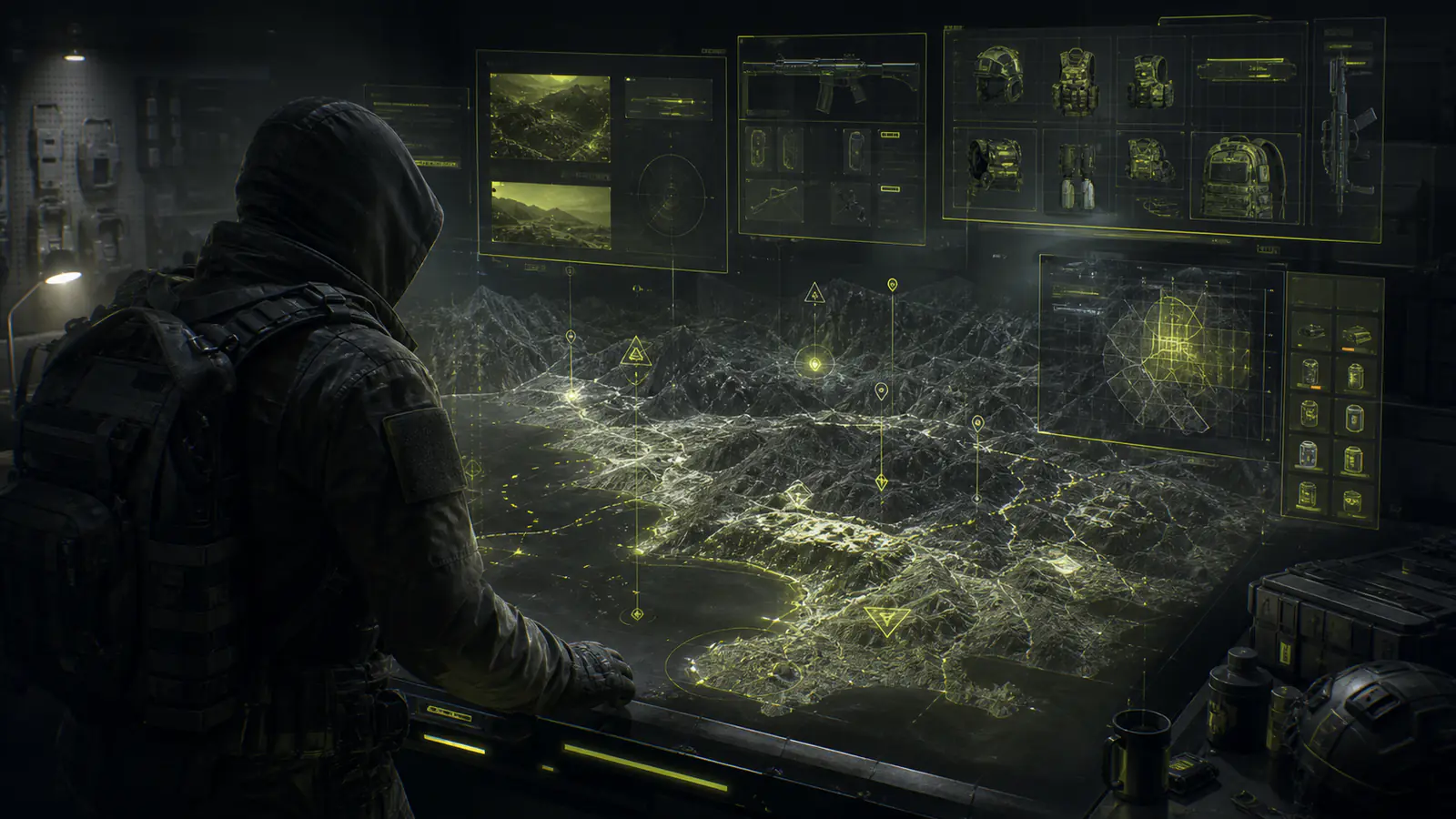
Begin with your actual play style and the live cards in the Escape from Tarkov catalog. Most options are built around ESP, which displays extra information. Products with Aimbot add aiming assistance, although the name of the module alone tells you nothing about the depth of its controls.
ESP in Tarkov is not limited to boxes around players. Depending on the product and version, it may show:
- distance to a target and its direction of movement;
- weapons, equipment, player state or inventory contents;
- extractions, containers, quest objects and valuable loot;
- item value, category and render-distance filters;
- radar, Chams and visibility checks when listed on the card.
These filters are particularly useful on large locations such as Woods, Shoreline and Lighthouse. Instead of displaying hundreds of labels, you can keep only opponents within a selected radius, rare items and nearby extractions. A longer render distance is not automatically better: it creates visual clutter and may affect frame rate.
Aimbot calls for even more careful configuration because Tarkov has pronounced ballistics. Check whether the product provides:
- target-zone priority, such as head or chest;
- FOV, the active area around the centre of the screen;
- Smooth, which controls how gradually the aim moves;
- distance limits and a visibility check;
- a configurable activation key and conditions.
In the current catalog, Sky Cheat EFT focuses mainly on Visuals, loot, map information and profiles; its card does not list Aimbot. Desync Cheat EFT lists Aimbot, Visuals, radar and additional controls. Do not transfer features from one product to another or rely on an old review, because module sets can change.
Private distribution, an integrated spoofer and a current “working” label cannot guarantee freedom from account sanctions. Game rules, automated checks and player reports still apply.
Access period: a test drive, one week or a monthly subscription?
Escape from Tarkov and its protection systems receive regular updates, so an access period affects more than the budget. A short subscription lets you verify launch on your exact Windows build, interface comfort and system load. A longer period makes sense after the product is familiar and its downtime terms are clear.
| Access type | Duration | When to choose it | What to verify |
|---|---|---|---|
| Test | 24 hours | First launch on this PC | Compatibility, frame rate and the actual feature set |
| Short term | 7 or 15 days | Regular play after a successful test | Configuration comfort and behaviour after updates |
| Long term | 30 days | A product you have already tested | Confirmed-downtime compensation terms |
Periods differ between products: on the publication date, Sky offers 24 hours, 7 days and 30 days, while Desync offers 24 hours, 15 days and 30 days. Prices and packages can change, so open the live card and the status page immediately before payment. Do not interpret an update policy as an absolute guarantee; confirm in advance whether access is extended during maintenance.
System requirements: more than “supports Windows 10”
“Windows 10/11” is not enough information. The exact OS build, processor family, BIOS settings, game client and display mode all matter. One product may exclude a particular Windows update, while another requires UEFI or virtualisation. Check every item against the selected product card.
- Verify the Windows build. Press Win + R, enter
winver, and compare the number with the current supported range or exclusions. - Check the processor and BIOS. Intel, AMD, UEFI, Secure Boot and virtualisation support varies; requirements from another product do not apply.
- Confirm the client and display mode. The official launcher, windowed mode and borderless mode may have different restrictions.
- Assess performance. Long-range ESP, Chams, radar and many rendered objects increase load. Enable a minimal set first and monitor frame rate.
Do not rely on old reviews that name specific processors or graphics cards when the live card does not. If a requirement is missing, contact HACKEXE support before purchase and share system information only, never passwords, keys or other sensitive data.
Conclusion
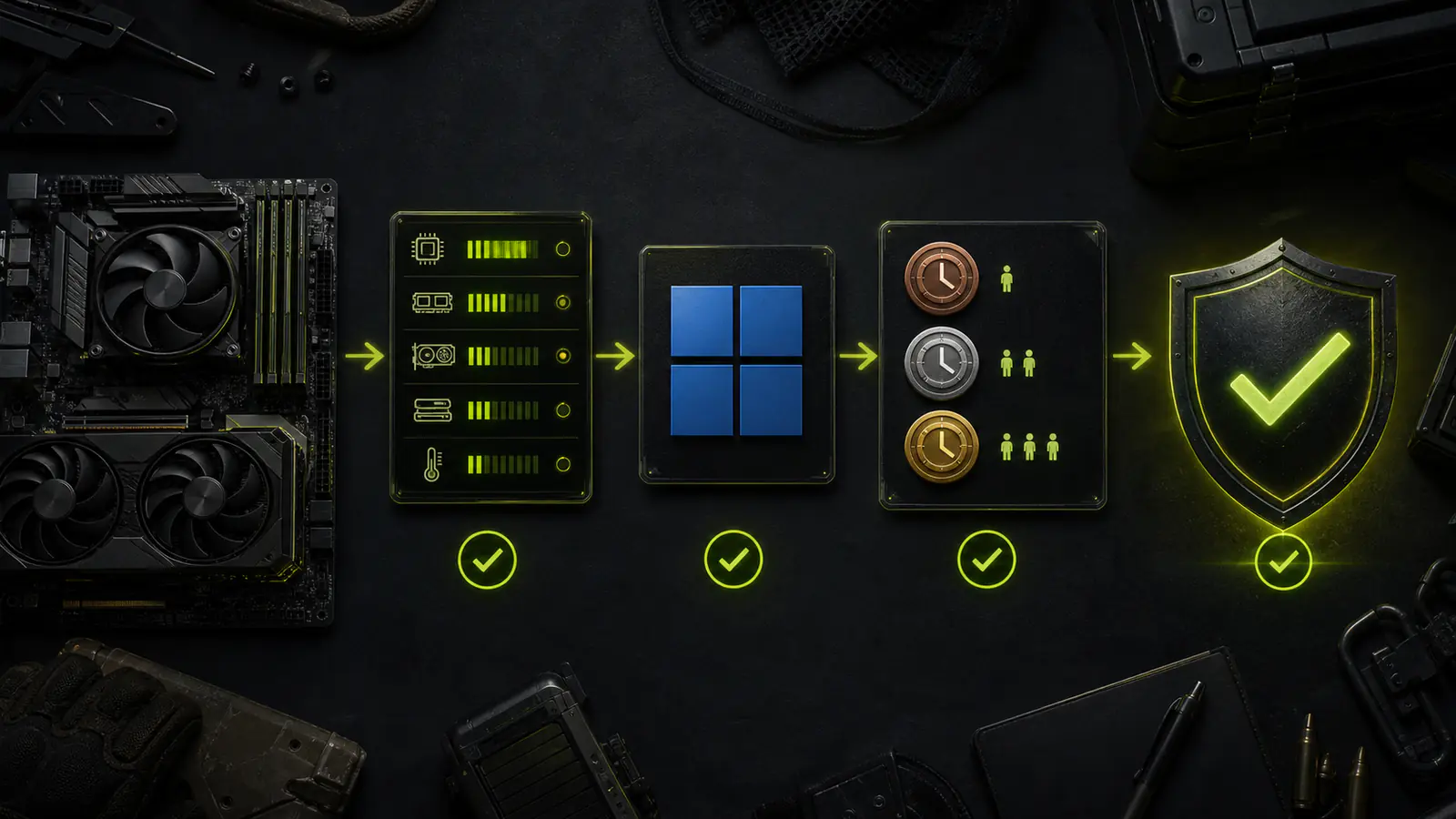
Use this checklist to choose an Escape from Tarkov product:
- decide whether map and loot information is enough or Aimbot is required;
- compare Sky and Desync using only their current product cards;
- verify Windows, CPU, BIOS, client and display mode;
- begin with 24 hours when the product has not run on your PC before;
- confirm update and verified-downtime compensation terms;
- read the instructions and check the status before every launch.
For a direct comparison, read “Best Escape from Tarkov Cheats”. An informed choice helps avoid incompatible software and unnecessary features, but it cannot make raids predictable or remove the risk of game sanctions.