Which PUBG Cheat Should You Choose? Comparing Features and Plans
Compare feature levels and current PUBG access options: ESP, Aimbot, radar, loot filtering and compatibility.
Contents
Feature levels: from seeing to controlling
PUBG is a demanding battle royale in which one bad step can end the match. Its protection mechanisms have changed over the years, while products have developed different combinations of ESP, Aimbot, radar and filters. To avoid paying for modules you do not need, begin with the current PUBG catalog and identify the right feature level.
Level 1: basic ESP
ESP displays additional visual information without taking an action for the player. Depending on the product, it may include:
- players, distance and direction of movement;
- health, weapon, armour or helmet;
- vehicles, airdrops and grenades;
- loot categories and render-distance limits.
Even a basic set helps assess a landing area and nearby threats, but poor filtering clutters the screen. Keep only information that affects the current decision.
Level 2: Aimbot with ballistics and limits
PUBG involves projectile speed, bullet drop and leading a moving target. In products with Aimbot, compare FOV, Smooth, Max Distance, target-zone priority and Visible check. An Aimbot label does not prove that a particular release accounts for every ballistic variable.
A small activation area and moderate smoothing reduce abrupt switching between distant targets but cannot remove report risk. Arcane PUBG is currently positioned mainly as an ESP product, while Desync and Ancient contain broader module sets; never transfer a feature between cards.
Level 3: radar and expanded information
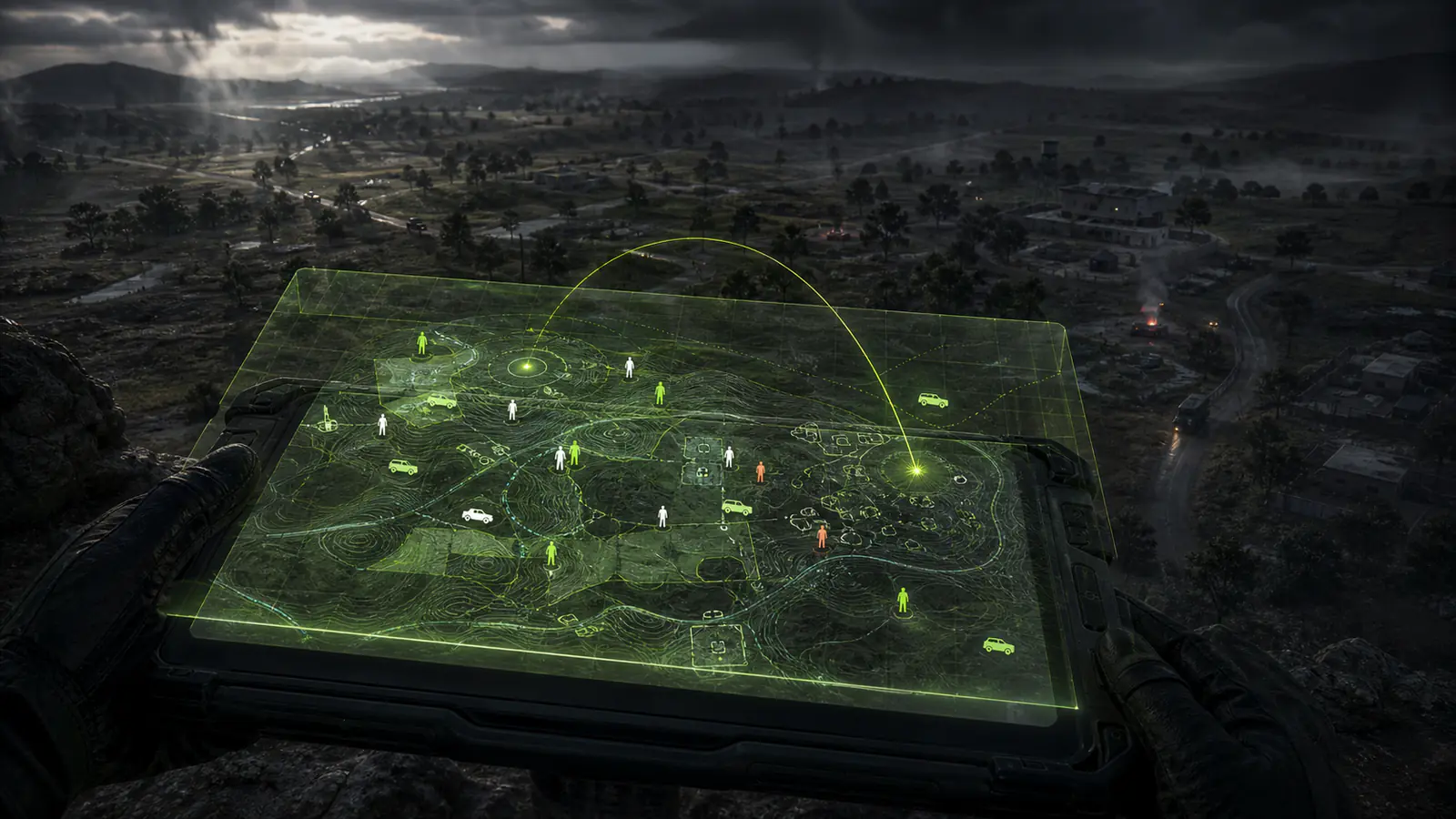
Radar displays players and objects on a minimap or separate panel. Check whether it is an overlay, requires a second screen or depends on a specific display mode. A separate window is not automatically “safe”; implementation and the status of the exact product still matter.
Loot, vehicle and airdrop filters can improve route planning, but they also add visual noise. Configure players and immediate threats first, then add items gradually.
A current working status is not a promise about the future. Check the status page and developer instructions before launch.
Comparing plans and access periods
A short period usually serves as a compatibility test, one week suits regular use, and a month makes sense only for a familiar product. Instead of generic market averages, compare periods on current cards; prices can change and are not frozen in this article.
| Product | Short access | Medium access | Long access |
|---|---|---|---|
| Desync PUBG | 24 hours | 7 and 15 days | 30 days |
| Ancient PUBG | 24 hours | 7 days | 30 days |
| Arcane PUBG | 3 days | 15 days | 30 days |
| Covcheg PUBG | 24 hours | 7 days | 30 days |
Use the shortest period for the first launch of the selected product. Price alone is not a valid comparison: feature sets and requirements for laptops, Windows, UEFI and display mode differ. Before long access, review how verified downtime after a game update is handled.
Spoofers and protection from hardware bans
PUBG protection mechanisms may consider hardware identifiers, so some product cards list an integrated spoofer. Other cards have different availability or conditions. A spoofer changes some system identifiers, but it is not universal protection, cannot guarantee that a restriction is removed and still depends on the configuration.
- confirm Intel or AMD support;
- check the Windows version and exact build;
- verify whether laptops are supported;
- review UEFI and display-mode requirements;
- do not combine a separate spoofer with an integrated one without instructions.
A recommendation to use a new account does not make a session safe or replace compatibility checks. If hardware requirements or the state of an earlier restriction are unclear, contact support before payment and do not change BIOS settings blindly.
Additional features: anti-report labels and automated actions
Additional modules may include automatic looting, item filters and displays for vehicles, grenades, airdrops and the zone. They can save time early in a match and support route planning, but should not outweigh the main criteria: stability, clear requirements and a readable interface.
An “anti-report” label does not mean a complaint will be blocked or ignored. It usually refers to controls intended to make automation less abrupt, while the outcome still depends on player behaviour. Use a moderate render range, remove unnecessary categories and save a separate profile for the first test.
Automated actions require care because unexpected looting or switching can interfere with manual control. Test each feature separately instead of enabling everything at once.
Conclusion
Reduce the choice to three questions: is visual information enough, do you need Aimbot, and are you prepared to configure radar or additional modules?
- compare Arcane and Covcheg for primarily visual information;
- review current Desync and Ancient cards for broader feature sets;
- compare module parameters and limits, not just names;
- check the integrated spoofer and system requirements;
- start with the shortest available period;
- check status and instruction version before every launch.
All current options are available in the PUBG section and the HACKEXE game catalog. Neither price, feature count nor a separate radar removes the possibility of sanctions, so consider the game's rules and the value of the account.