Internal and External Cheats: How Different Types of Gaming Software Work
A practical comparison of Internal and External architecture, overlays, hybrid designs and driver-based components from a user's perspective.
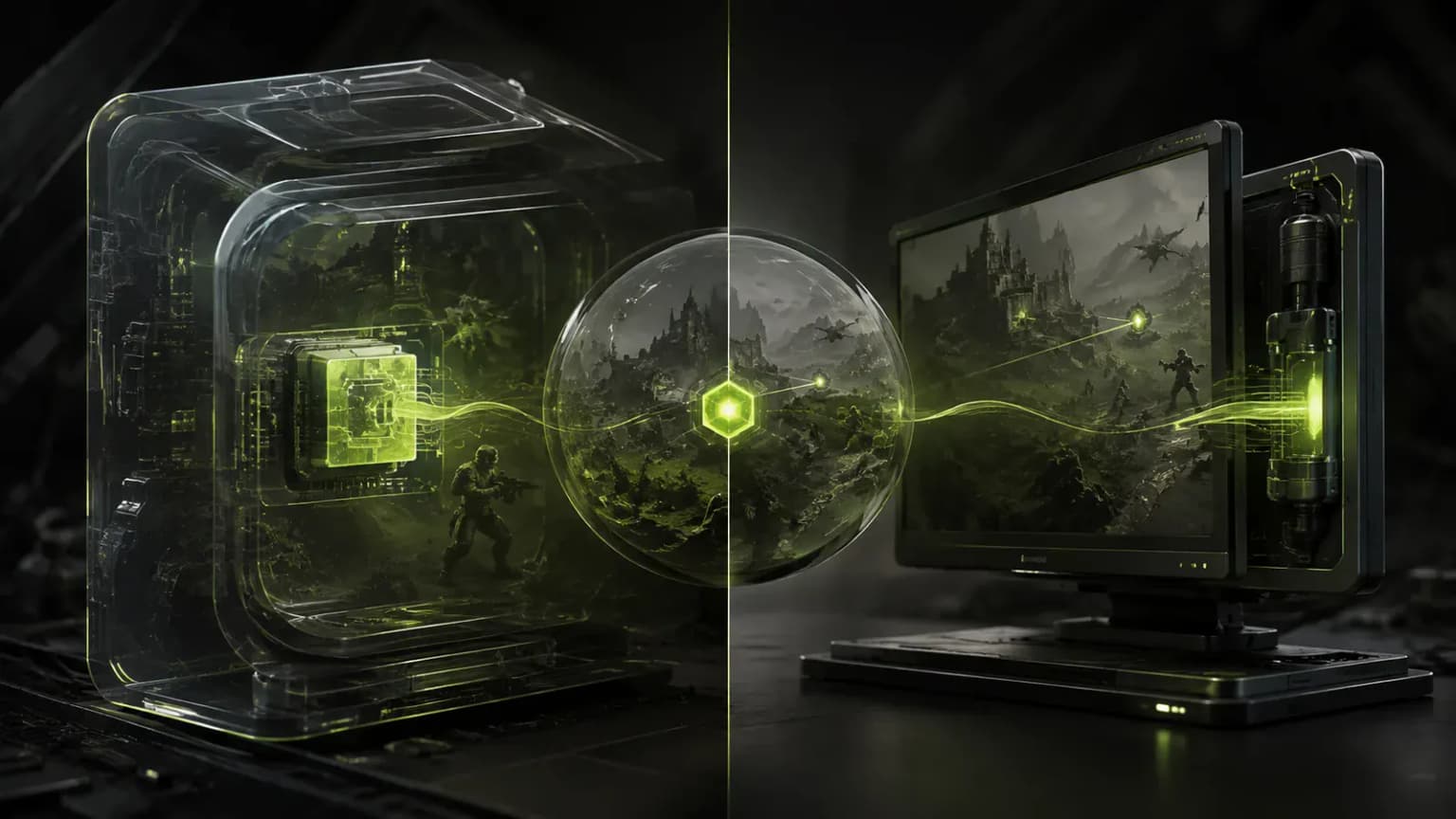
Descriptions of gaming software often include the label Internal or External. Sometimes the developer does not explain the term at all, as though every user were born knowing it. Yet these words do not describe a feature set or how “advanced” a program is. They refer to the way the software interacts with the game.
Two programs may have similar menus and almost identical capabilities while being built very differently inside. In one case, code runs together with the game client; in the other, a separate application observes events from outside.
Contents
- Internal: operating inside the game
- External: a separate application alongside the client
- What difference does this make to an ordinary user?
- Why an overlay is not a separate third type
- Can the two approaches be combined?
- What does driver-based operation mean?
- Does some software fit neither category?
- Which is ultimately better: Internal or External?
Internal: operating inside the game
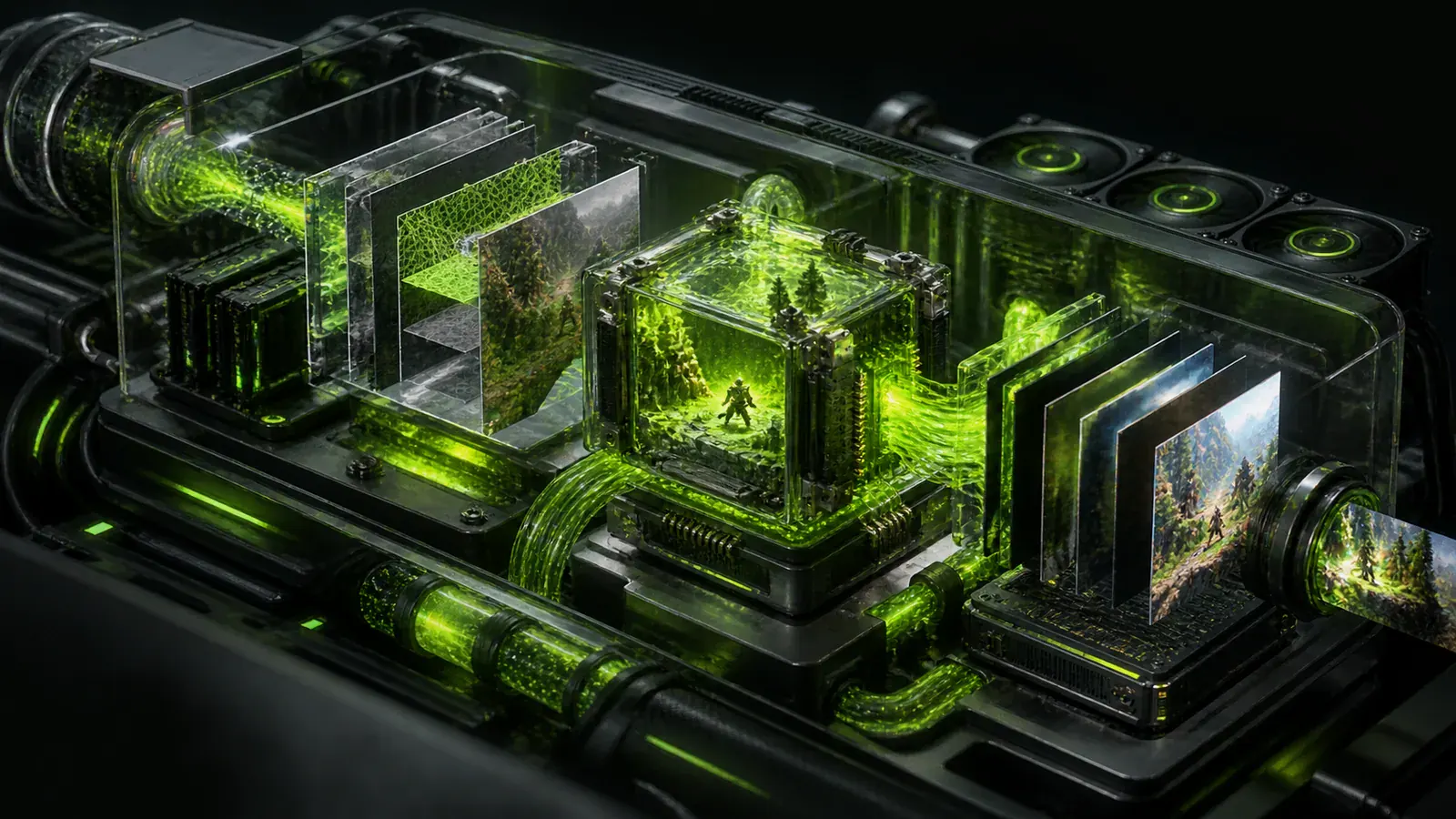
The term Internal is quite literal in this context. The main part of the program runs inside the game process.
This allows the software to interact directly with events in the client: it can obtain information about objects, respond to game events and work with interface elements. This approach is more convenient for certain functions because there are fewer intermediate stages between the program and the game.
This is where Internal software gained its reputation for offering more features. Even so, Internal should not automatically be taken to mean “more capabilities”. Much depends on the particular game and on what the developer was actually trying to build.
The approach also has an obvious drawback: games change. After an update, developers may rework part of the client, change where data is stored or alter internal logic. A user may not even notice—they download the patch and continue playing—but third-party software sometimes has to account for these changes separately. Game updates and updates to Internal software therefore often go together.
External: a separate application alongside the client
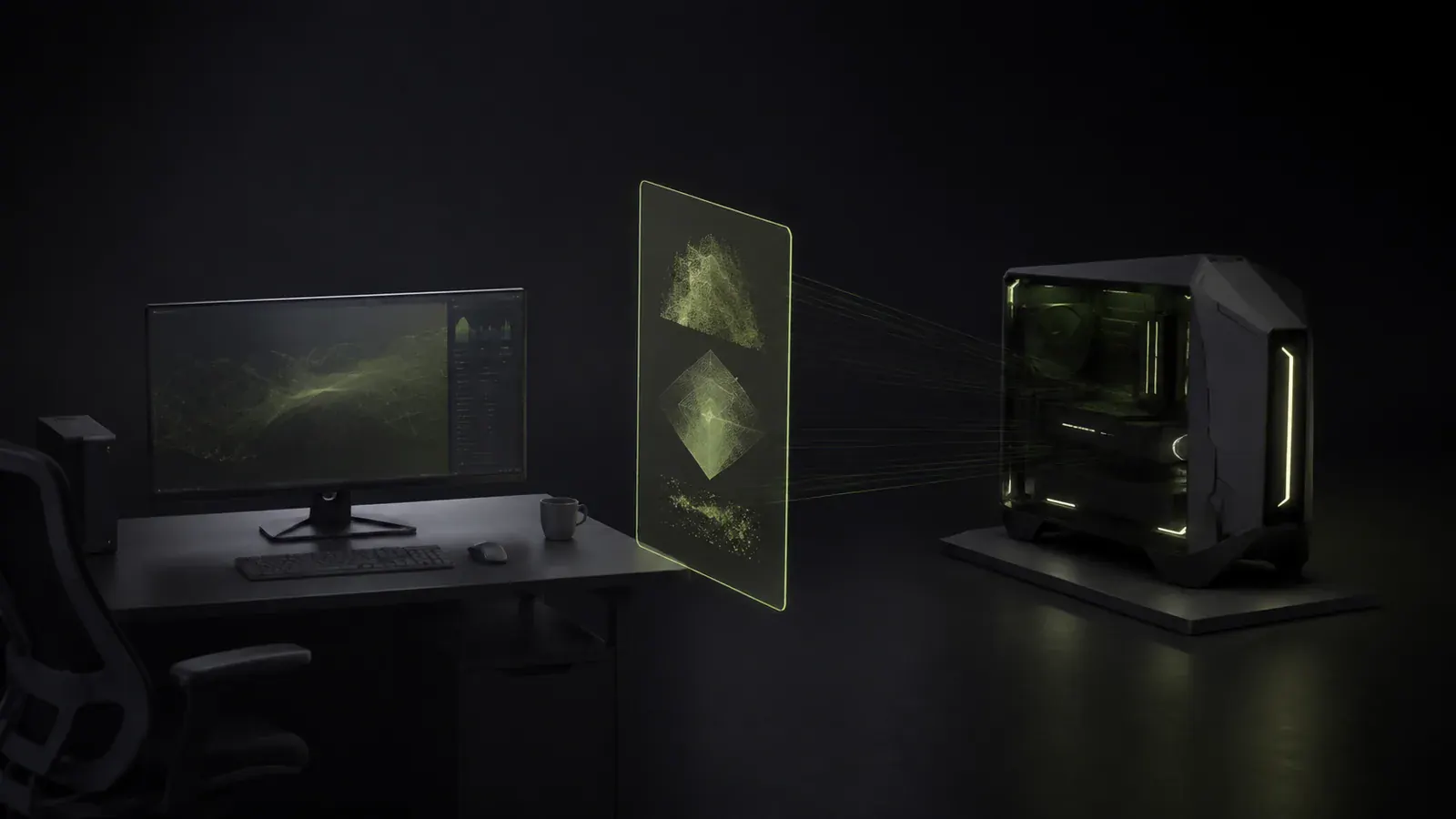
External software does not run inside the game process. The user normally launches the game and a separate application that operates independently.
The visible difference may be almost impossible to notice. A menu, extra elements or information over the game window can still appear on the screen, but technically the program remains outside the client.
This is useful when there is no need to move all of the logic directly into the game. A separate application is easier to isolate, restart or update independently of the client.
There is another side to the issue, however. If a required function is closely connected to the game's internal mechanics, obtaining the necessary information may be more difficult for an external program.
The result is a familiar engineering trade-off: one method provides closer interaction, while the other creates a stronger separation between the program and the game client.
What difference does this make to an ordinary user?
Users do not need most of the technical details unless they intend to study development. A few practical distinctions are much more useful:
- Internal software operates inside the game process, while External software remains a separate application;
- internal solutions are usually tied more closely to the client and therefore depend more heavily on changes to it;
- External software is easier to separate from the game—for example, it can be closed or restarted independently;
- architecture alone does not determine the feature set: two products of the same type can differ greatly;
- performance also depends on the specific implementation, not on the word Internal or External in the description;
- both types may require changes after a game update, although the reasons and the amount of work can differ.
In other words, architecture explains the operating principle, but guarantees nothing by itself.
Why an overlay is not a separate third type
The word Overlay also appears frequently alongside Internal and External, making the subject look like a collection of terms from a spacecraft manual.
In practice, it is simpler than that. An overlay is a method of displaying elements over the game window. It might show a program interface or additional information, for example. The overlay says nothing about where the rest of the code runs and can be used by software with different architectures. “External with an overlay” is therefore a perfectly normal description. It would be incorrect, however, to assume that any software drawing something over a game must automatically be External.
Can the two approaches be combined?
Yes, and they often are. A modern program does not have to consist of one file that is either entirely inside the game or entirely outside it. Different parts of a product can perform different tasks.
Settings and the interface, for example, are convenient to place in a separate application. The user opens it normally, selects the required parameters and launches the game, while another part of the system handles interaction with the client itself.
In this situation, a simple Internal or External label no longer tells the whole story. This is why different users sometimes place the same product in different categories. One person looks at the interface and calls the program External. Another knows that an additional component is used internally and considers it Internal. Technically, both may be describing different parts of the same solution.
What does driver-based operation mean?
Another term eventually encountered by anyone reading gaming-software descriptions is driver. A driver runs at a lower level of Windows than a normal user application. It is more than an ordinary program with a Launch button.
This approach does not make a product inherently good or bad. It simply represents a different technical design, one in which careful implementation is especially important. A fault in a normal application will usually cause it to close or stop responding. In the worst case, a problem with a system component can affect Windows itself.
A prominent “driver-based” label is therefore a description of architecture, not an automatic mark of quality.
Does some software fit neither category?
Yes. Some programs do not work with internal game-process data at all. Instead, they analyse the image that has already appeared on the screen and operate on information that a person could, in principle, see themselves.
This differs noticeably from a classic Internal solution. It is not always convenient to call it a conventional External solution either, especially when External is understood to mean software that obtains data directly from the game process.
Modern gaming software is therefore better understood as a range of architectural approaches rather than two boxes labelled Internal and External.
Which is ultimately better: Internal or External?
There is no universal winner. When features require close interaction with the game client, an Internal approach may be more convenient for the developer. If the task can be handled by a separate program, there is no need to place additional code inside the game.
For users, the architecture label should not be the main selection criterion at all. What matters more is how a particular version behaves: whether it works with the current game version, launches reliably, has a clear interface and offers the feature set stated in its description.
Reduced to one sentence, Internal software operates from within the game process, while External software remains outside it. Real gaming software has long since become more complex than this simple model, however, and a single product can now combine several approaches.